If you rely on AI to boost your productivity (which you should), you may have heard of Anthropic’s Claude Cowork. Released earlier this year as a ‘more accessible’ variant of Claude Code for non-dev teams, it’s a capable desktop automation tool, but it isn’t without its limitations. It also isn’t the only option worth your attention. McKinsey’s 2025 Global Survey on AI found that 88% of organizations now regularly use AI in at least one business function, up from 78% the year before, with 71% specifically using generative AI (up from 65% in early 2024). That kind of momentum means the market is full of real competition, and some of it is very good. Granted, here are some of the best Claude Cowork alternatives you need to try now.
Why Look for Claude Cowork Alternatives?

Claude Cowork works well for automating file and task management on desktops, but every tool has tradeoffs. Your workflow might call for deeper integrations, stronger document collaboration, or a more developer-focused environment. The good news is that several strong alternatives exist, each built with a slightly different use case in mind. Knowing what each one does best will help you make a smarter choice for your specific needs.
Here is a quick look at what sets each alternative apart before diving deeper:
- OpenClaw: Best for browser-based automation and multi-step task execution
- Coda AI: Best for teams and knowledge workers who want a context-aware AI assistant inside their collaborative docs and workflows
- Notion AI: Best for teams that already live inside Notion and want AI layered in
- Gemini: Best for users who want deep integration with Google Workspace
And a special shoutout to Friday AI! Learn more about it here.
1. OpenClaw (Automation That Actually Moves)
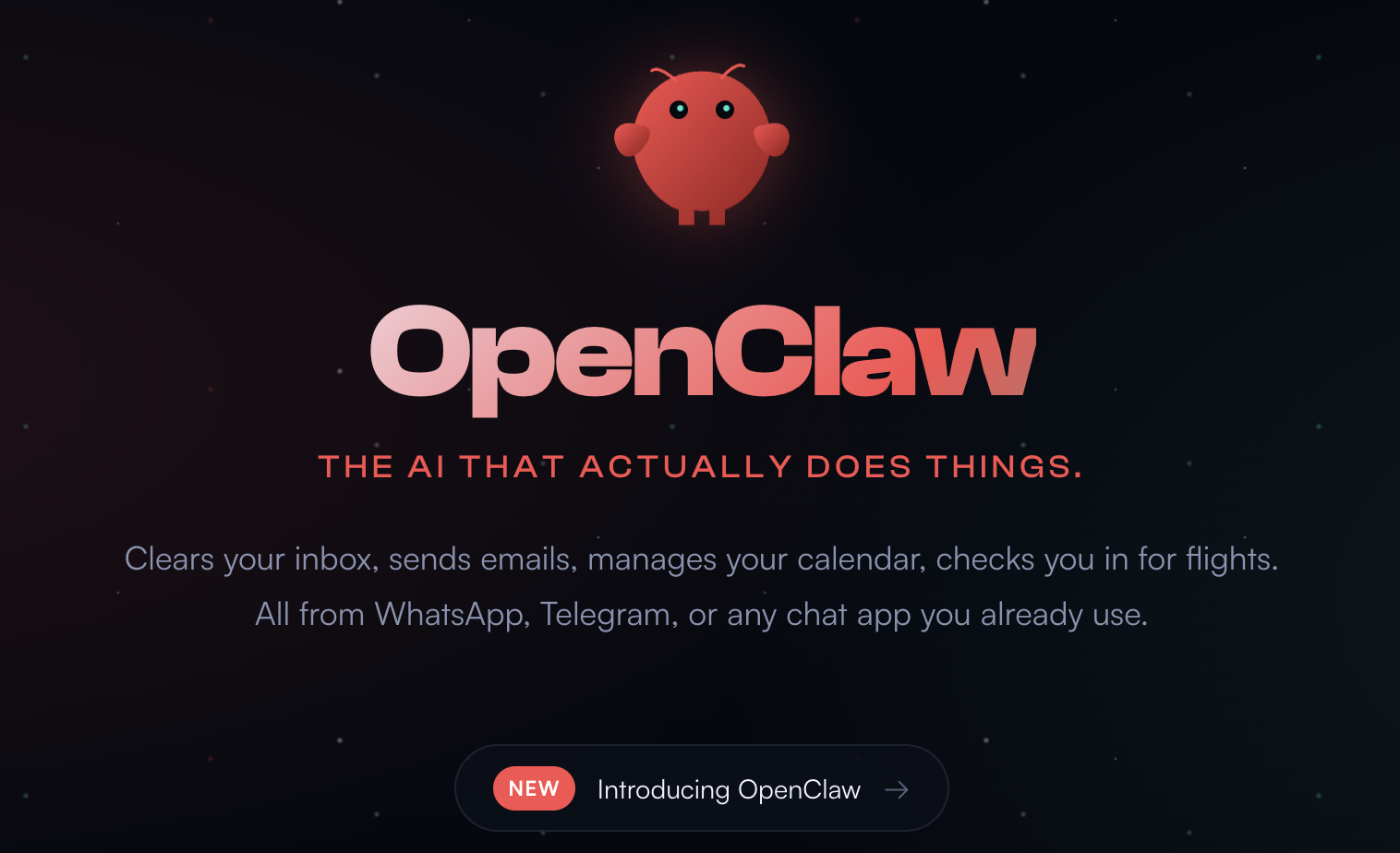
OpenClaw is a browser-based automation platform that lets users build and run multi-step workflows without writing a line of code. It is designed for people who need to automate repetitive tasks across web applications, and it handles things like form filling, data extraction, and cross-tab coordination with impressive reliability. The tool positions itself as a no-code alternative for people who find scripting tools too technical, yet need more flexibility than simple macros.
What makes OpenClaw stand out is its visual task builder, which allows you to chain actions together using a drag-and-drop interface. This approach lowers the barrier significantly for non-technical users who still want real automation power. It also supports conditional logic, so workflows can branch based on the results of previous steps. For anyone juggling repetitive browser workflows daily, that alone makes it worth a serious look.
Key features of OpenClaw include:
- Visual drag-and-drop workflow builder with no coding required
- Conditional logic support for branching and dynamic workflows
- Cross-tab task execution for complex, multi-window automation
- Data extraction from web pages with structured output options
- Scheduled task runs to automate recurring work
2. Coda AI (Developers’ Productivity Multiplier)
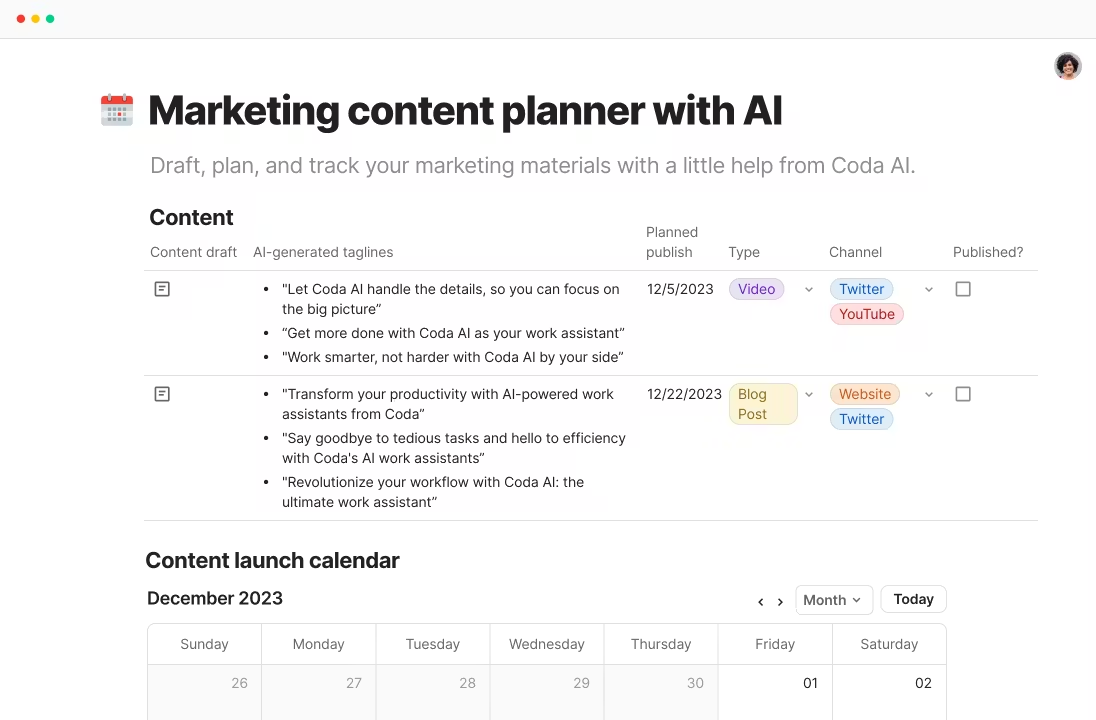
Coda AI is built with a clear purpose: to help teams and knowledge workers move faster and work smarter. It is not trying to be everything to everyone. Instead, it focuses on doing one thing exceptionally well: helping you create, organize, and act on work inside collaborative documents. Teams using Coda AI report major reductions in busywork, often completing most of their writing in a fraction of the time.
What sets Coda AI apart is its ability to understand context. It does not generate content in isolation. It reads the full structure of your document, including pages, tables, and connected data, so outputs stay relevant and aligned with the bigger picture. When you encounter unfamiliar material, it provides inline summaries and insights that make onboarding to new projects or workflows faster and easier. Teams often spend less time on manual updates and review cycles because the system surfaces insights and automates routine tasks before they slow progress.
Standout capabilities of Coda AI:
- Context-aware content generation across documents, tables, and structured data
- Inline summaries and insights for faster understanding
- Built-in task automation that reduces repetitive work
- Multi-format support, including text, tables, summaries, and action items
- Natural language-to-action generation for rapid workflow prototyping
3. Notion AI (The Original Productivity Booster)
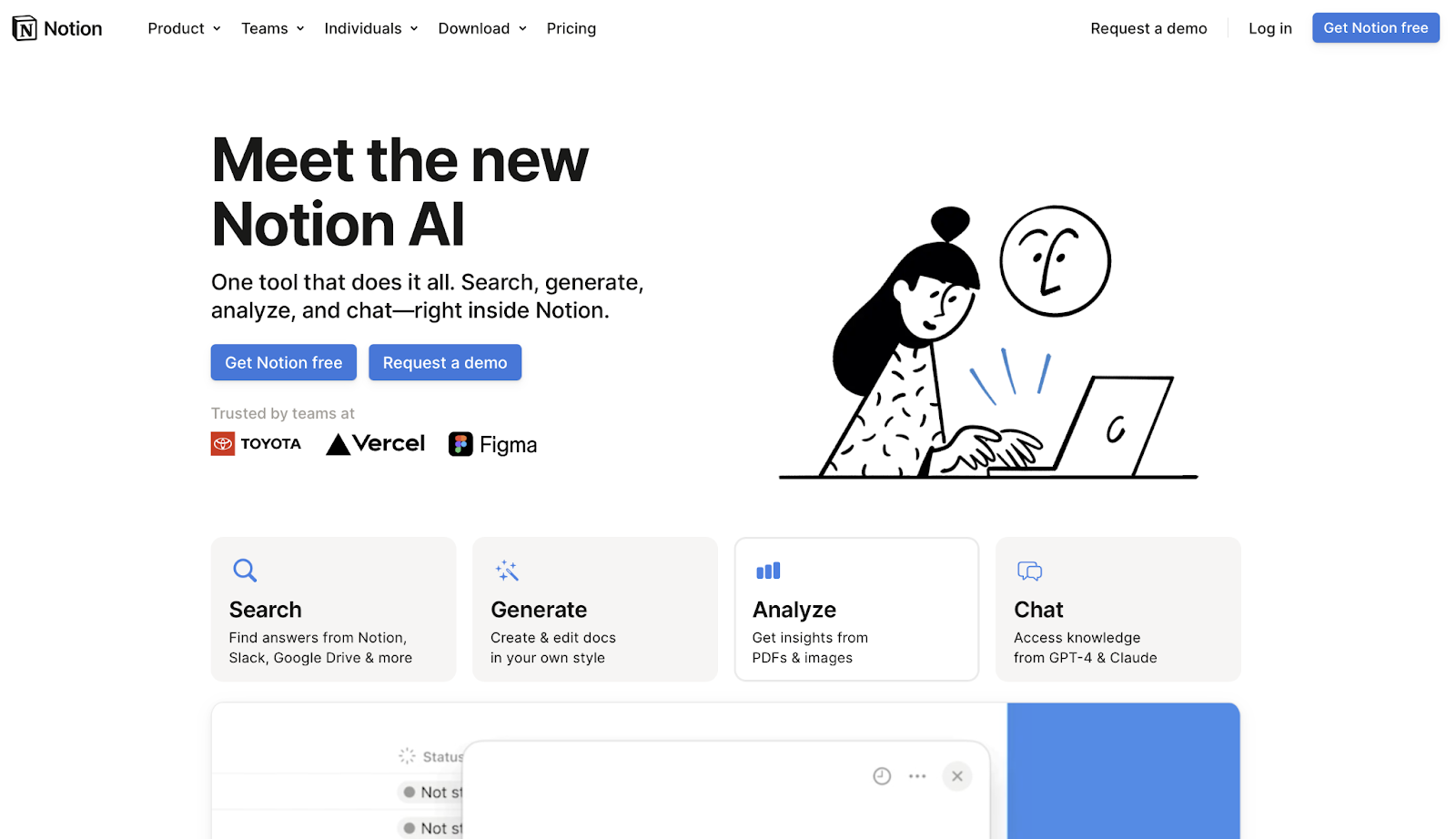
Notion AI is not a standalone product; it is a layer of intelligence built directly into the Notion workspace that tens of millions of people already use. That embedded approach is its biggest strength. Instead of switching between your notes and an AI chat window, you get suggestions, summaries, and content generation right inside the document you are already working in. According to Notion, users have collectively generated over a billion AI-assisted actions on the platform since the feature launched in early 2023.
The practical applications are wide. You can ask Notion AI to summarize a long meeting notes page, draft a project brief from a bullet list, or translate a document into another language without leaving your workspace. It also learns from the context of the page and database you are on, so the suggestions feel grounded in your actual work rather than generic. For teams that run their operations inside Notion, this tool removes meaningful friction from the writing and planning process.
What Notion AI does particularly well:
- In-document drafting, editing, and summarization without switching tabs
- Q&A over your workspace content to surface buried information quickly
- Action item extraction from meeting notes and long-form documents
- Translation support across multiple languages inside your existing pages
- Database-aware suggestions that understand your project structure
4. Gemini (Google’s All-rounder)
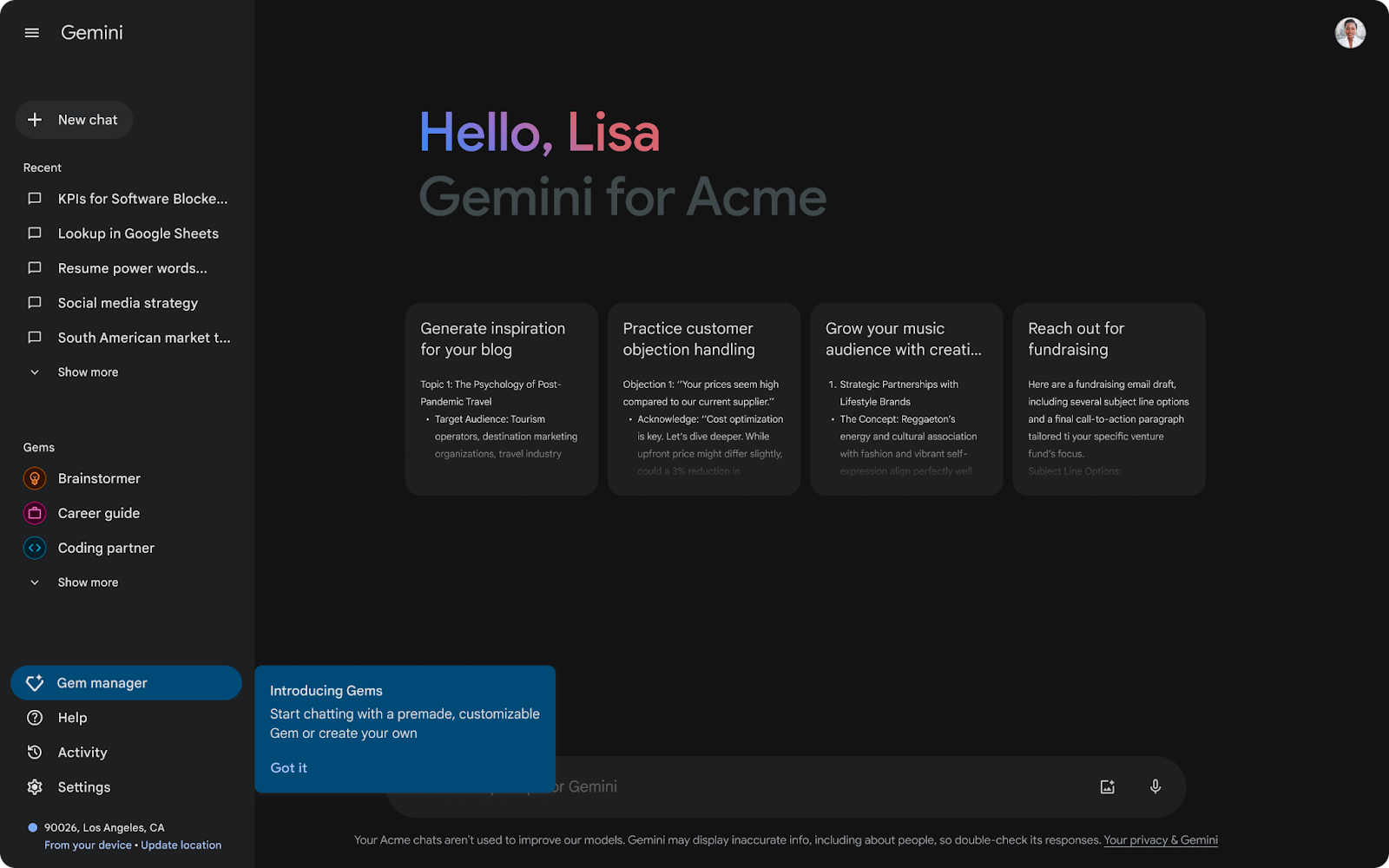
Google Gemini has moved well beyond its initial release as a chatbot and has become a deeply integrated AI assistant across Google Workspace. If your team runs on Gmail, Google Docs, Sheets, Slides, or Meet, Gemini is essentially already in your toolkit waiting to be activated.
One of Gemini’s most compelling features is its ability to work across your entire Google environment simultaneously. You can ask it to pull information from a recent email thread, cross-reference a Google Doc, and summarize the key points into a new Slide deck, all in a single instruction. That kind of cross-app intelligence is difficult to replicate with standalone tools. For organizations already committed to the Google ecosystem, the integration depth here is genuinely hard to match with any outside alternative.
Why Gemini earns serious consideration:
- Deep native integration across Gmail, Docs, Sheets, Slides, and Meet
- Cross-app task execution that pulls from multiple Google services at once
- Multimodal input support, including text, images, and audio
- Enterprise-grade security and compliance built into Google Workspace
- Real-time collaboration features are enhanced with AI-powered suggestions.
How to Choose the Right Claude Code Alternative for You
The right alternative depends almost entirely on where your work actually happens. If you spend most of your day in a browser automating repetitive tasks, OpenClaw is the most logical fit. If you are a developer looking to cut down on the time you spend writing boilerplate or chasing down bugs, Code AI is built precisely for that use case. Teams that have already standardized on Notion will find that adding Notion AI costs almost no adoption effort since the tool lives inside your existing workflow. And if your organization runs on Google Workspace, Gemini offers a level of native integration that dedicated third-party tools simply cannot match.
Cost is also worth factoring in before you commit. Most of these tools offer free tiers or trial periods, which makes it reasonable to run a short pilot before making a decision. Running a two-week test with your actual daily tasks will tell you more than any feature list. The goal is not to find the most feature-rich tool but to find the one that removes the most friction from the specific work you do every day.
Wrapping Up
The Claude Cowork alternatives in our article are not just substitutes. They are purpose-built tools that outperform in specific contexts. OpenClaw wins for no-code browser automation (although some caution regarding the security is worth practicing), Code AI pushes developer productivity to another level, Notion AI turns your workspace into a smarter collaborator, and Gemini ties the entire Google ecosystem together in ways that feel seamless. Each one shows how quickly AI workspace tools have matured.
The question is not whether one could improve your workflow. It almost certainly could. The only real decision is which one fits your work better.