
GitHub Copilot crossed 20 million users around mid-2025 and now generates more revenue than GitHub itself did when Microsoft acquired it in 2018. That kind of exponential growth tends to end debates before they start. However, privacy rules, model quality, and enterprise control now shape buying decisions. This shift brings another major contender into focus: Tabnine. So the real question in 2026 becomes simple. Which tool actually works better for everyday coding based on criteria like accuracy, ease of integration, developer experience, and support for enterprise needs? Let’s answer that in this direct Tabnine vs Copilot comparison, looking at their features, strengths, pricing, and more.
What Is Tabnine?
Tabnine entered the AI coding space earlier than Copilot, launching its first autocomplete model in 2018. While GitHub Copilot focused on model size, Tabnine emphasized privacy and customization.
That strategy positioned Tabnine strongly with enterprise teams.
It can also run in several environments:
- Fully cloud-based
- Private cloud
- On-premise servers
- Air-gapped infrastructure
This flexibility allows companies to maintain strict control over proprietary code.
Tabnine core capabilities
- AI code completion across many languages
- Local model deployment options
- Private training on company repositories
- IDE integrations similar to Copilot
- Team-level configuration controls
Because Tabnine models can train on internal repositories, suggestions often match company coding standards better over time.
That feature matters more as organizations scale.
Tabnine strengths
- Strong privacy protections
Code can remain entirely inside the company infrastructure. - Custom AI models
Teams can train models using internal codebases. - Enterprise compliance support
Tabnine supports regulated environments like finance and healthcare. - Flexible deployment architecture
Organizations can choose local or cloud execution. - Predictable suggestions
Smaller models sometimes produce more controlled outputs.
What Is GitHub Copilot?
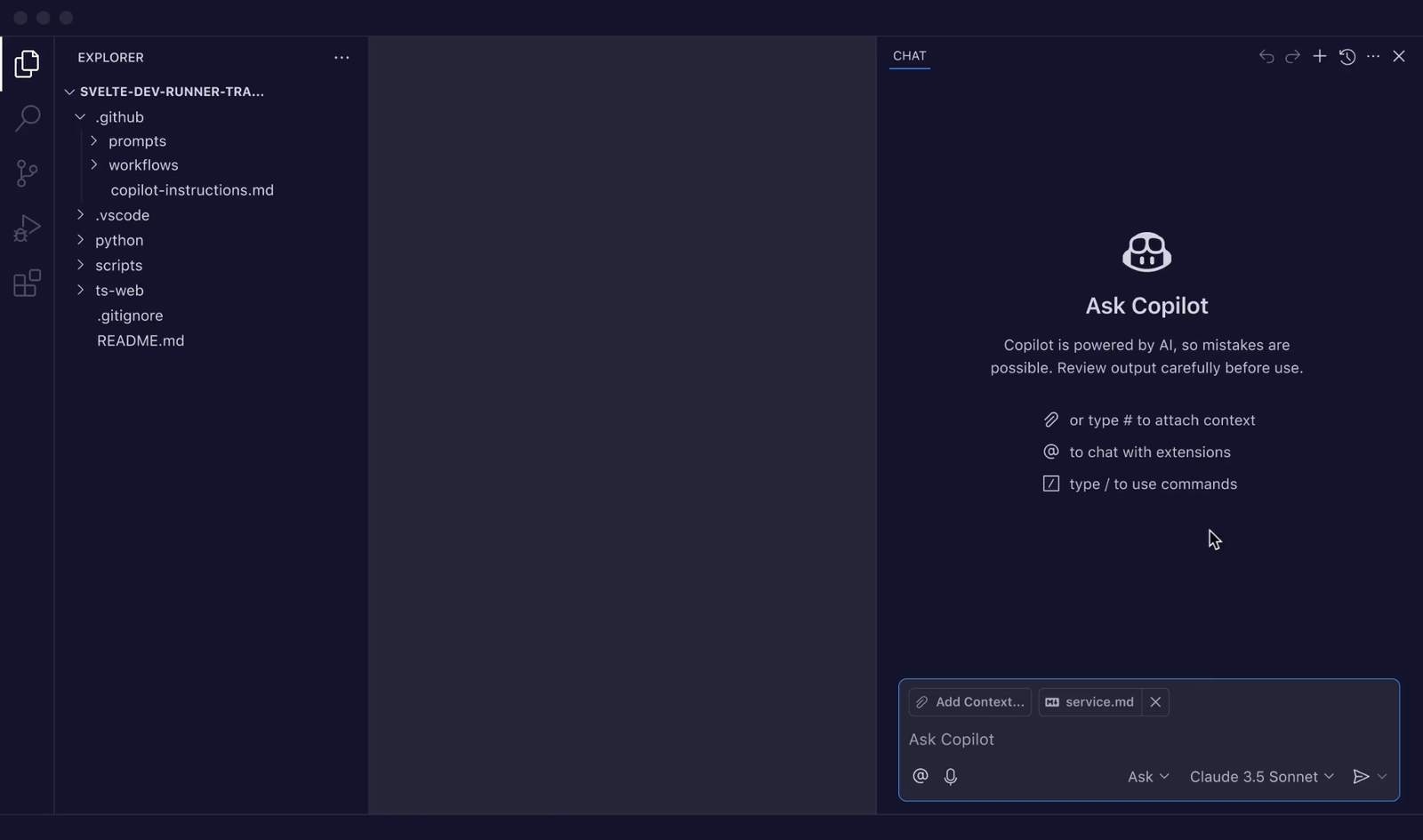
GitHub Copilot launched in 2021 and quickly became the most widely used AI coding assistant. The tool integrates deeply with GitHub repositories and development environments.
Copilot uses various models developed by the likes of OpenAI and Anthropic. Early versions relied on Codex models, while newer releases incorporate GPT-based architectures.
Because these models analyze large amounts of public code, Copilot often produces surprisingly accurate suggestions. The assistant can generate:
- Full functions
- Documentation comments
- Unit tests
- API usage examples
- Refactored code blocks
This capability makes Copilot feel like a real pair programmer instead of a simple autocomplete tool.
GitHub Copilot strengths
- Highly advanced language models
Copilot produces complex multi-line suggestions with strong contextual understanding. - Deep GitHub ecosystem integration
The tool works seamlessly with pull requests, repositories, and GitHub workflows. - Strong IDE support
Copilot integrates with VS Code, JetBrains IDEs, Visual Studio, and Neovim. - Natural language prompts
Developers can describe features in plain English and receive working code. - Constant model improvements
GitHub regularly upgrades Copilot with new model versions and training data.
Why are they not really competing for the same thing?
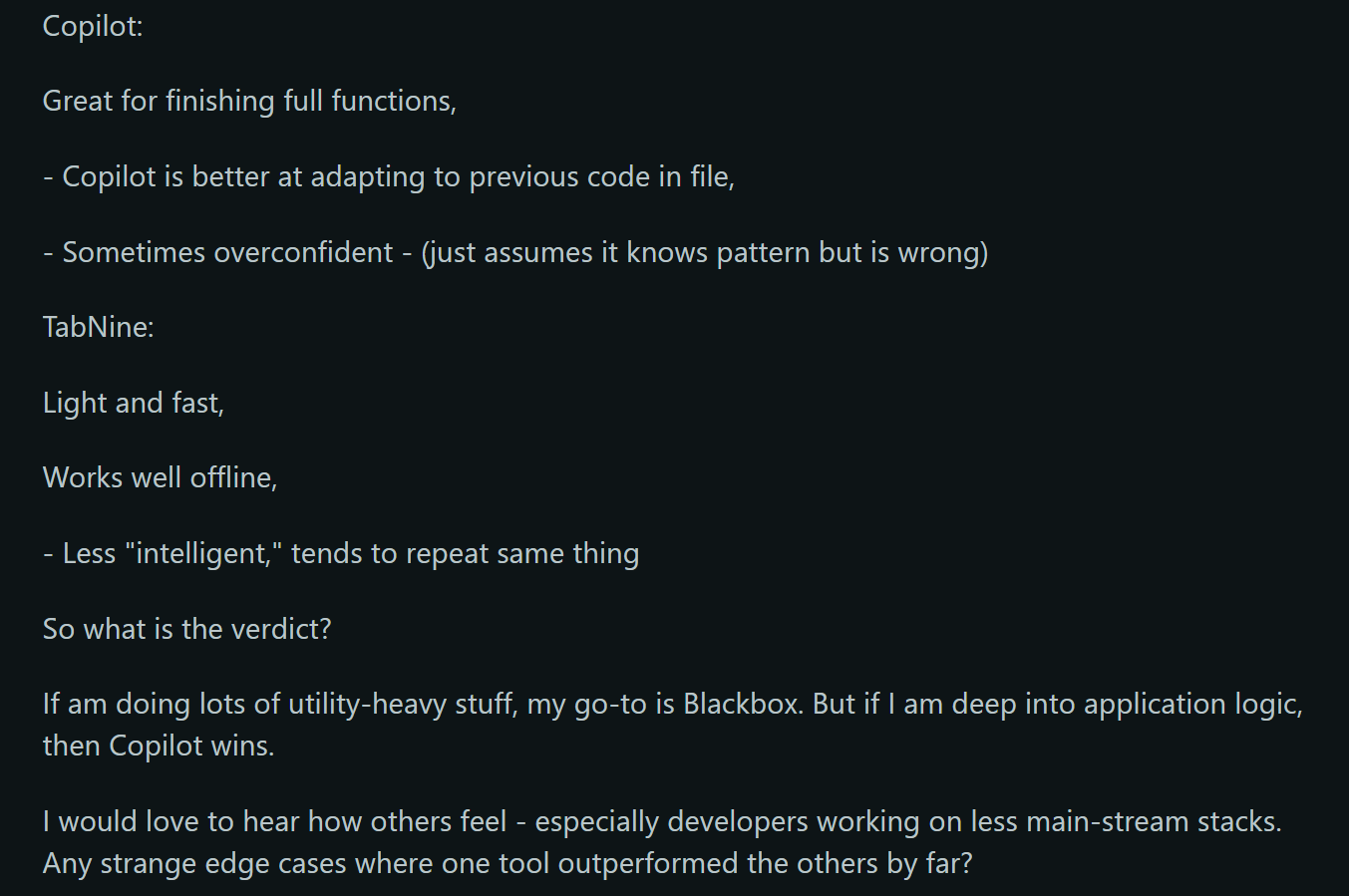
On the surface, the feature lists look almost identical. Both tools do inline completions, chat, test generation, doc writing, and bug explanations. Both plug into VS Code and JetBrains. Both claim to save developers hours each week.
But GitHub Copilot is trying to be the best possible AI pair programmer, full stop. It’s backed by Microsoft and OpenAI, trained on hundreds of millions of public GitHub repositories, and designed to be the most capable general-purpose coding assistant on the market. The product roadmap reflects that: it’s getting smarter fast, and the integrations into GitHub’s pull request and code review flow are genuinely impressive.
Tabnine isn’t chasing that. It’s built around a philosophy that enterprise teams shouldn’t have to send their proprietary code to someone else’s cloud. The model is trained only on permissively licensed code, it offers on-premises and VPC deployment, and its zero data retention policy is real, not just marketing. Tabnine also lets you fine-tune the model against your own repositories so it learns your team’s codebase-specific conventions over time. Copilot doesn’t do either of those things.
So yes, they overlap. But they’re pulling in opposite directions.
Where GitHub Copilot actually wins
For raw suggestion quality, Copilot is better. That’s not a controversial take at this point. In side-by-side testing on real-world tasks, such as async functions, recursive algorithms, or working with unfamiliar APIs, Copilot tends to produce cleaner, more readable output with better inline comments. It also has more contextual awareness: it picks up on how you’ve named things, what libraries you’re using, and what the surrounding code is doing, and it reflects that in its suggestions.
The numbers back it up. GitHub’s own research, conducted with Accenture, found that developers using Copilot completed coding tasks 55% faster than those who weren’t. Pull request cycle times dropped from an average of 9.6 days to 2.4 days. Copilot now accounts for 46% of all code written by active users across the platform, and for Java developers specifically, that number is 61%.
The onboarding curve is also almost nonexistent. 81% of users install Copilot and start accepting suggestions on the same day. That matters in organizations where developer time has real cost, and where you don’t want a two-week rollout process just to get people using a productivity tool.
Copilot’s ecosystem advantages compound that. If your team already lives in VS Code, uses GitHub Actions, and reviews code through GitHub’s PR interface, Copilot slots in without friction. The Copilot Chat integration inside the editor is polished. The PR summary feature is one of those things that sounds minor until you’ve actually used it on a 400-line diff.
Where Tabnine holds its ground
Tabnine’s suggestion quality is slightly behind, but it’s not a wide gap. Where Tabnine’s output tends to suffer is in verbosity: extra conditionals, more boilerplate, fewer comments. It’s technically correct more often than it’s creative, which some teams actually prefer. Fewer hallucinations, fewer suggested code patterns that look plausible but break under edge cases.
The more meaningful advantage is everything that happens before the suggestion even shows up. Tabnine is SOC 2 Type 2 certified, GDPR compliant, and ISO 9001 certified. GitHub Copilot is SOC 2 Type 1, which is a real gap. Beyond certifications, Copilot retains user prompts and suggestions for 28 days, even at the Business and Enterprise tiers. For a lot of companies in banking, healthcare, insurance, or defense, that’s a dealbreaker, and there’s no configuration option that changes it.
Tabnine also supports a wider IDE footprint:
- Vim and Emacs (full support, not limited)
- Sublime Text
- Jupyter Notebooks
- Android Studio
- Air-gapped and offline environments
Copilot doesn’t cover most of that list. For teams not working in the standard VS Code and JetBrains setup, Tabnine is often the only option that works at all.
The customization story is also genuinely differentiated. Tabnine lets you connect your GitLab, GitHub, or Bitbucket repositories and train the model on your own code. After a few weeks, it starts recognizing your internal library patterns, your naming conventions, even your preferred way of handling errors. For large engineering teams maintaining complex proprietary systems, the learned context closes the quality gap with Copilot considerably.
Tabnine vs GitHub Copilot: Pricing & Feature Comparison
| </> | Copilot | Tabnine |
| Pro plan | $10/month | ~$39/month |
| Enterprise plan | $39/user/month | $59/user/month |
| Free tier | Yes | Yes |
| On-premises deployment | No | Yes |
| Custom model fine-tuning | No | Yes |
| Data retention | 28 days | Zero |
| SOC 2 level | Type 1 | Type 2 |
| Air-gapped support | No | Yes (Enterprise) |
At the individual or small-team level, the price difference is basically a rounding error. The split gets more meaningful at scale. A 500-person engineering org running Copilot Business would spend around $114,000 a year. A comparable Tabnine Enterprise deployment runs above $234,000, based on DX Research’s cost modeling from 2025. That’s a real premium. But again, if you need an on-premises deployment, Copilot isn’t an option regardless of price.
Tabnine vs GitHub Copilot – An honest “who should pick what” breakdown
Most comparisons like this try to end with something balanced and non-committal. This one won’t.
Pick Copilot if:
- You want the best raw code generation available right now
- Your team is already in VS Code and GitHub
- You’re not in a regulated industry with strict data residency rules
- You want fast onboarding and a large support community
- You care about GitHub-native features like PR summaries and code review assistance
Pick Tabnine if:
- Your code can’t leave your infrastructure, full stop
- You’re in financial services, healthcare, government, or defense
- Your team maintains a large, complex, proprietary codebase and wants the model to learn it
- You need IDE support beyond VS Code and JetBrains
- SOC 2 Type 2 or GDPR compliance is a contractual requirement, not a preference
Wrapping Up
For most developers in most environments, Copilot remains the stronger, more powerful default. Gartner expects 90% of enterprise engineers to use AI coding assistants by 2028, and Copilot is built to capture the lion’s share of that wave.
But if your world runs on strict compliance, mandatory data residency, or a deep codebase-specific context that can’t leave your servers, Copilot’s architecture simply can’t deliver. Tabnine was purpose-built for exactly those non-negotiable constraints. In that case, Tabnine is a clearly superior choice.
Match the tool to your actual constraints, not the hype.