
Roughly 85% of developers today regularly use AI tools for coding in some capacity. Anthropic’s Claude Code raised the bar by working at the codebase level rather than just the file level, leading to unmatched popularity. But it’s not the only game in town. Several alternatives have matured quickly, and some have already built massive followings on their own merit. But why would you want to explore Claude Code alternatives? For one, it’s expensive. It can take a toll on your bank account value if used carelessly. Second, it’s restricted to Anthopic’s ecosystem. So, if you don’t like using Anthropic’s services, you’ll inevitably feel restricted. And third, some of the options we explore in the article offer better value in the long term. Granted that, here are 7 of the best Claude Code alternatives for coding in 2026.
1. OpenAI Codex
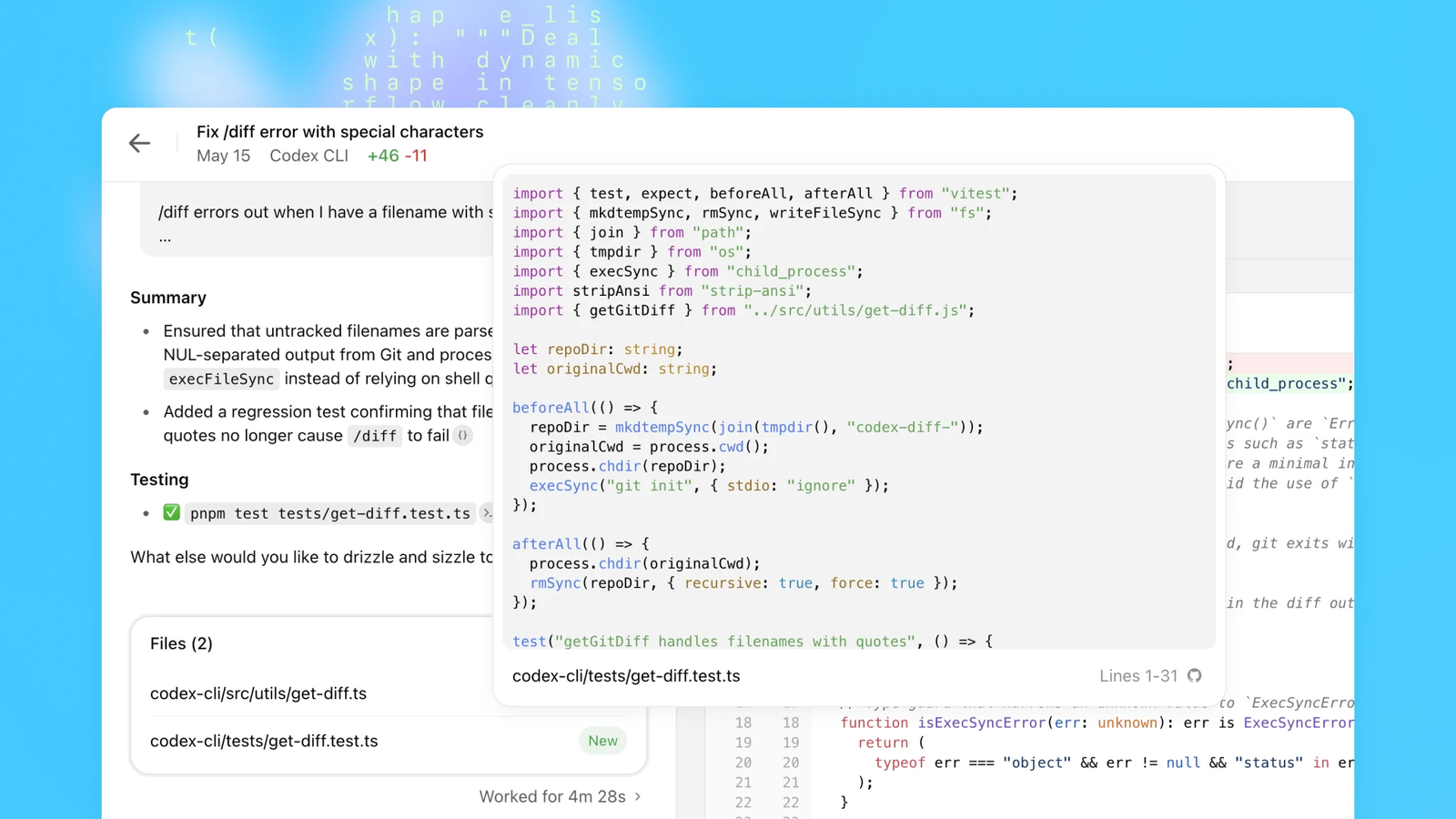
OpenAI Codex is the AI coding agent built into the ChatGPT ecosystem. It runs on GPT-5 variants (the most recent being GPT-5.3), and it’s become a serious contender against Claude Code in 2026. Codex operates directly from your terminal or inside the ChatGPT interface, making multi-step code changes across files. It feels very similar to Claude Code in scope, which isn’t a coincidence.
Codex handles the full developer loop: reading your repo, writing code, running tests, and submitting pull requests. Its GitHub integration is notably tight. Developers can assign issues directly to Codex and get back a working PR without touching the keyboard.
Where Codex stands out as a Claude Code alternative:
- GPT-5 is generally more cost-efficient than Claude Sonnet or Opus at comparable quality levels
- Flexible reasoning modes (low, medium, high, minimal) let you control how long it thinks.
- Strong GitHub integration, including a native PR bot
- Works inside Builder.io’s design-to-code workflow for cross-functional teams
- Pricing is bundled with existing ChatGPT plans, which many users already pay for
Where it falls short:
- Still catching up to Claude Code on architectural reasoning for the most complex debugging tasks.
- Background agent features are newer and slightly less mature.
- Less community documentation and tooling compared to Claude Code’s ecosystem.
One head-to-head comparison from Builder.io noted that users rated GPT-5 outputs 40% higher on average in satisfaction surveys. Codex also tends to reason longer before generating, which some developers find more reliable, while others find it slower. The honest takeaway: if you’re already in the OpenAI ecosystem, Codex is a natural, capable, and often cheaper path forward.
What’s particularly interesting is how Codex has evolved in 2026. Background agents now run tasks asynchronously, meaning you can kick off a feature and walk away. It handles longer, multi-step workflows without requiring you to babysit each step. For teams using GitHub heavily, the integration feels native in a way no third-party tool can quite replicate.
2. GitHub Copilot
GitHub Copilot is the most widely adopted AI coding tool on the planet. As of July 2025, it had crossed 20 million all-time users. That’s a 400% increase year-over-year. 90% of Fortune 100 companies now use it. Microsoft CEO Satya Nadella confirmed it’s now a larger business than GitHub was when Microsoft acquired it in 2018. (Here’s how it compares against AWS Code Whisperer)
The numbers behind Copilot’s daily impact are striking. Developers using it complete coding tasks 55% faster, according to a controlled study with Accenture. Pull request time drops from 9.6 days to 2.4 days on average. It now generates 46% of all code written by active users, reaching 61% for Java developers.
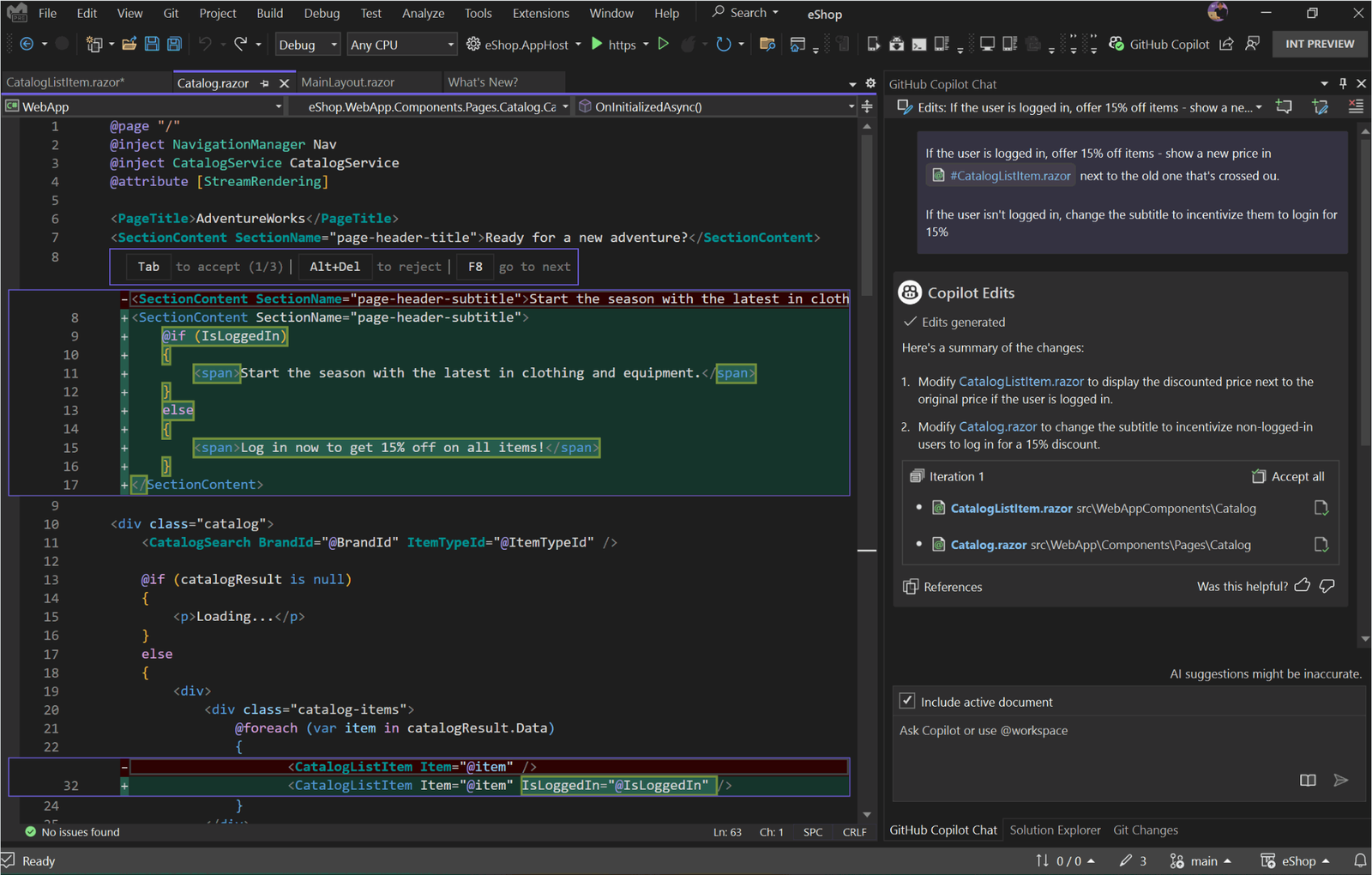
Copilot’s biggest strength is exactly what you’d expect: it lives inside your workflow. It integrates with VS Code, JetBrains IDEs, Visual Studio, and Neovim. You don’t change your setup. The AI comes to you. That alone removes a significant adoption barrier for enterprise teams.
What it does well:
- Native IDE integration across every major editor
- Agent Mode for multi-file and repository-wide changes
- Automated PR reviews: Copilot Chat reviewed over 8 million pull requests by April 2025
- Enterprise-grade security and compliance baked in
- Free tier available, with Pro at $10/month and Business at $19/user/month
Where it can feel limited:
- Less capable than Claude Code in deep architectural reasoning or complex, multi-step debugging
- Enterprise security guardrails can slow down adoption at some organizations.
- Output quality varies more across languages than specialized alternatives.
Copilot holds about 42% of the paid AI coding tools market. The AI coding tools market itself was worth $7.37 billion in 2025, so that’s a commanding position. Its real moat isn’t just the feature set. It’s the distribution. For teams inside the GitHub and Azure ecosystem, Copilot is the path of least resistance. It’s increasingly the path of most productivity, too.
3. Cursor
Cursor is the fastest-growing SaaS company in history by revenue velocity. It went from $1M to $500M in annual recurring revenue faster than any company before it. By November 2025, it hit $1 billion ARR in under 24 months from launch. Its November 2025 funding round valued it at $29.3 billion.
Numbers like that don’t lie. Developers aren’t just trying Cursor, they’re committed to it.
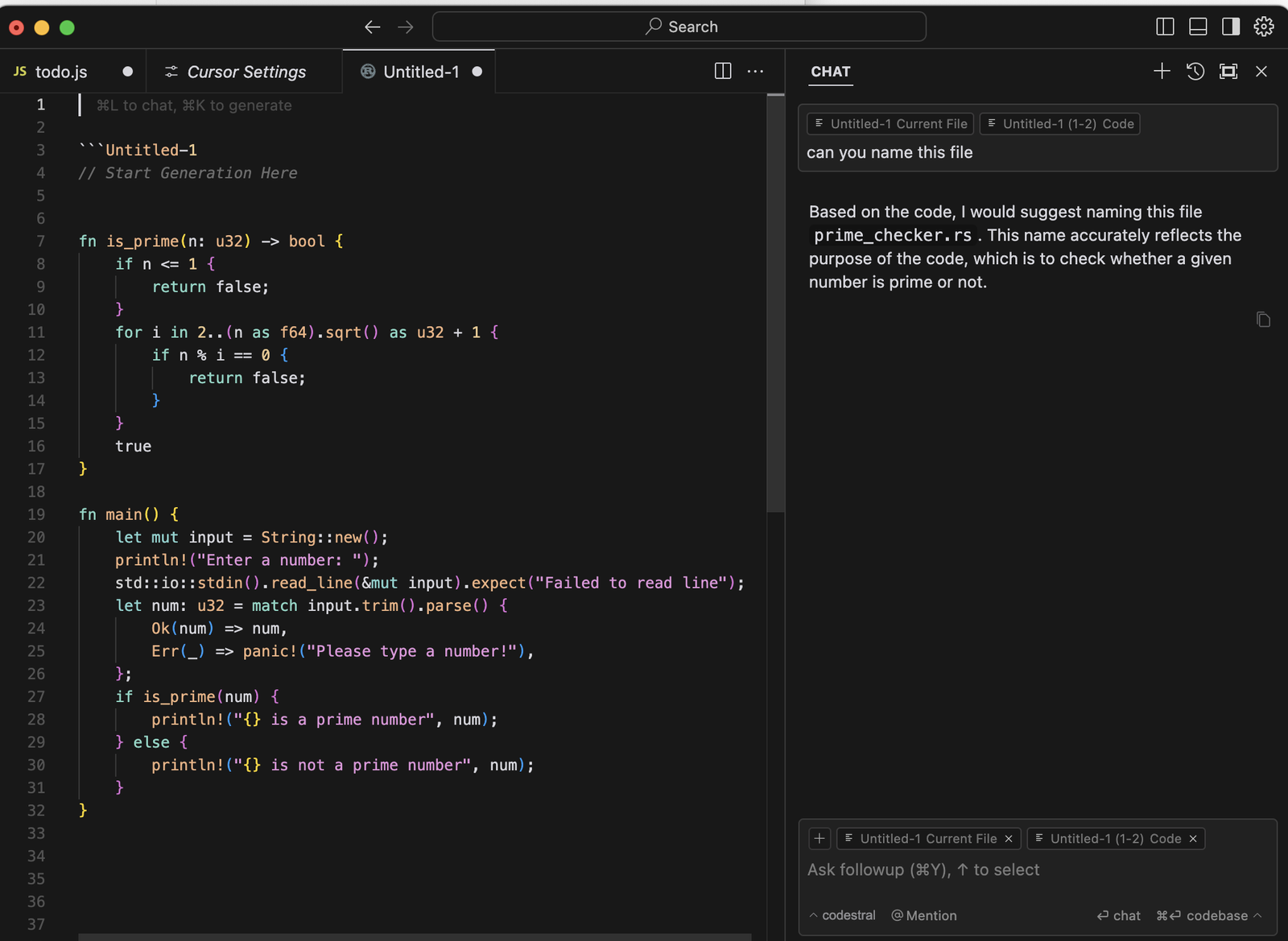
Cursor is built on VS Code, which is a smart choice. 70% of developers already use VS Code. Cursor forks it, adds deep AI integration, and lets you keep all your existing extensions. The learning curve is essentially zero if you already work in VS Code.
| IDE Integration | VS Code fork | Native IDE plugin | Terminal/CLI |
| Multi-file editing | Yes (Agent Mode) | Yes (Agent Mode) | Yes |
| Model flexibility | Multiple models | Multiple models | Claude only |
| Free tier | Yes (2,000 completions) | Yes | Yes (limited) |
| Pricing (Pro) | $20/month | $10/month | $20/month |
| Primary use case | IDE-first coding | IDE coding assistant | CLI agentic workflows |
Cursor’s Agent Mode is the headline feature. It indexes your entire codebase. It makes changes across multiple files simultaneously. It understands the project context rather than just the current open file. Developers report 20-25% time savings on debugging and refactoring, and up to 50% reductions in development cycles for complex projects.
What puts Cursor ahead for some teams:
- Full codebase indexing for context-aware suggestions
- Supports multiple models, including Claude, GPT-5, and Gemini
- Fast, low-latency interface that feels native
- 4.9 out of 5 user rating across review platforms
- Strong reception among teams at OpenAI, Shopify, and Perplexity
Where it has friction:
- Pricing changes in 2025 frustrated some users (the shift to usage-based credits for agents)
- Heavier resource usage than lightweight alternatives
- Less suited for developers who work exclusively in the terminal
If you want a Claude Code alternative that keeps you inside a familiar IDE with serious power, Cursor is the obvious first choice. The developer community has voted loudly and clearly with their wallets.
4. Bind AI

Bind AI has quickly carved out a reputation for being pragmatic, fast, and cost-conscious. Unlike tools that lock you into a single model or workflow, Bind AI positions itself as a flexible, multi-model coding environment.
At its core, Bind AI focuses on repository-level awareness and structured agent workflows. It doesn’t just autocomplete lines of code. It indexes your project, understands dependencies, and can execute multi-file refactors with context. In that sense, it mirrors Claude Code’s strengths while trying to reduce both cost and ecosystem lock-in.
Bind AI supports multiple frontier models, including Claude, GPT-5-class models, Claude-class, and Gemini-class models. That flexibility alone makes it attractive to teams that want to benchmark outputs or optimize for cost per task. You’re not boxed into one vendor’s pricing structure.
Where Bind AI stands out as a Claude Code alternative:
- Multi-model support with the ability to switch models per task
- Repository-level context and multi-file editing
- Structured “plan → preview → apply” workflow for safer changes
- Lower effective cost when routing tasks to smaller models
- Clean UI that works for both solo developers and small teams
Bind AI leans into controlled autonomy. Instead of silently executing sweeping changes, it typically generates a plan, previews diffs, and lets you approve before applying. That review-first loop makes it appealing for teams that want power without surrendering oversight.
Where it falls short:
- Smaller ecosystem and community compared to Copilot or Cursor
- Fewer enterprise-grade integrations than GitHub-native tools
- Less brand recognition, which can slow adoption inside large orgs
One subtle advantage Bind AI has in 2026 is cost orchestration. Teams can route lightweight refactors to cheaper models and reserve premium reasoning models for architectural changes. Over time, that optimization materially reduces spend compared to always running top-tier models like Claude Opus.
Performance-wise, Bind AI is competitive on debugging, refactoring, and greenfield feature builds. It may not always outperform Claude Code on extremely complex architectural reasoning, but it closes the gap enough that cost and flexibility become deciding factors. In a market increasingly defined by agentic autonomy, that balance of control and power resonates with teams that want AI assistance, not AI dominance.
5. Aider
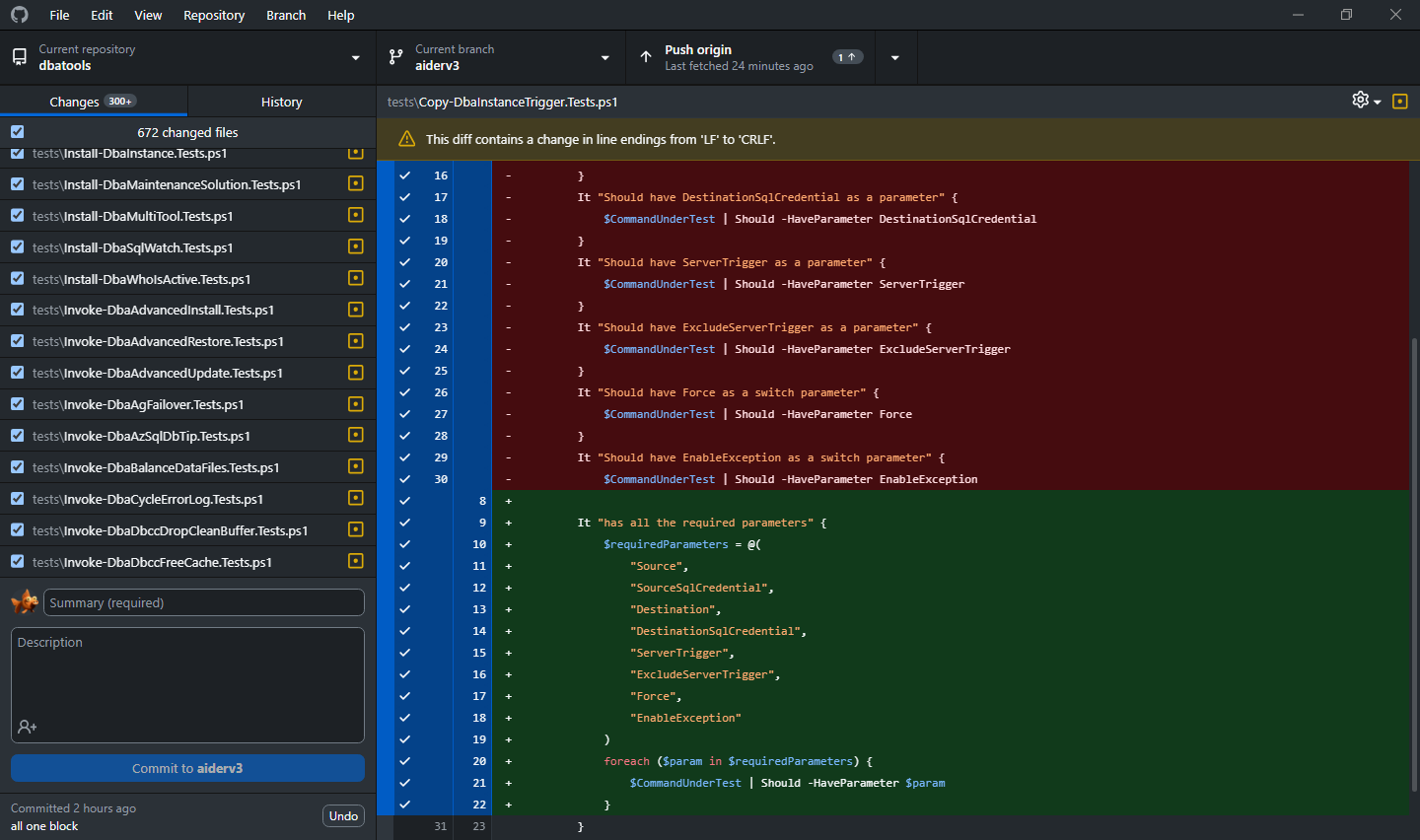
Aider is an open-source, terminal-native AI coding assistant. It’s built for developers who live in the command line. They want tight, auditable control over what the AI actually does. Think of it as the lean, open alternative to Claude Code’s terminal approach.
Aider connects to your Git history and works directly in your repo. Every change it makes is a real Git commit. You can see exactly what happened, roll it back, and understand the reasoning behind each edit. This matters a lot for teams where code ownership and review processes are non-negotiable.
What makes Aider worth considering:
- Completely open-source (Apache 2.0 license)
- Works with any LLM: OpenAI, Claude, Gemini, or local models via Ollama
- Every change is a Git commit, giving full traceability.
- Very low overhead: runs in any terminal environment
- Strong community and active development
The trade-offs:
- Less polished UX than commercial tools
- No built-in IDE experience
- Requires more setup and model configuration than plug-and-play tools
- Community support rather than dedicated enterprise SLAs
Aider’s pricing is simple: it’s free. You only pay for whatever model API you route it through. For developers who want Claude Code-level agentic editing with full transparency and no vendor lock-in, Aider delivers. It’s the no-nonsense option, and that’s exactly what many teams need.
The SWE-bench performance of models you can plug into Aider has also improved dramatically. Open-source models now compete with proprietary ones on many coding tasks. That means your Aider setup in 2026 can be genuinely powerful without touching a paid API at all.
6. Cline
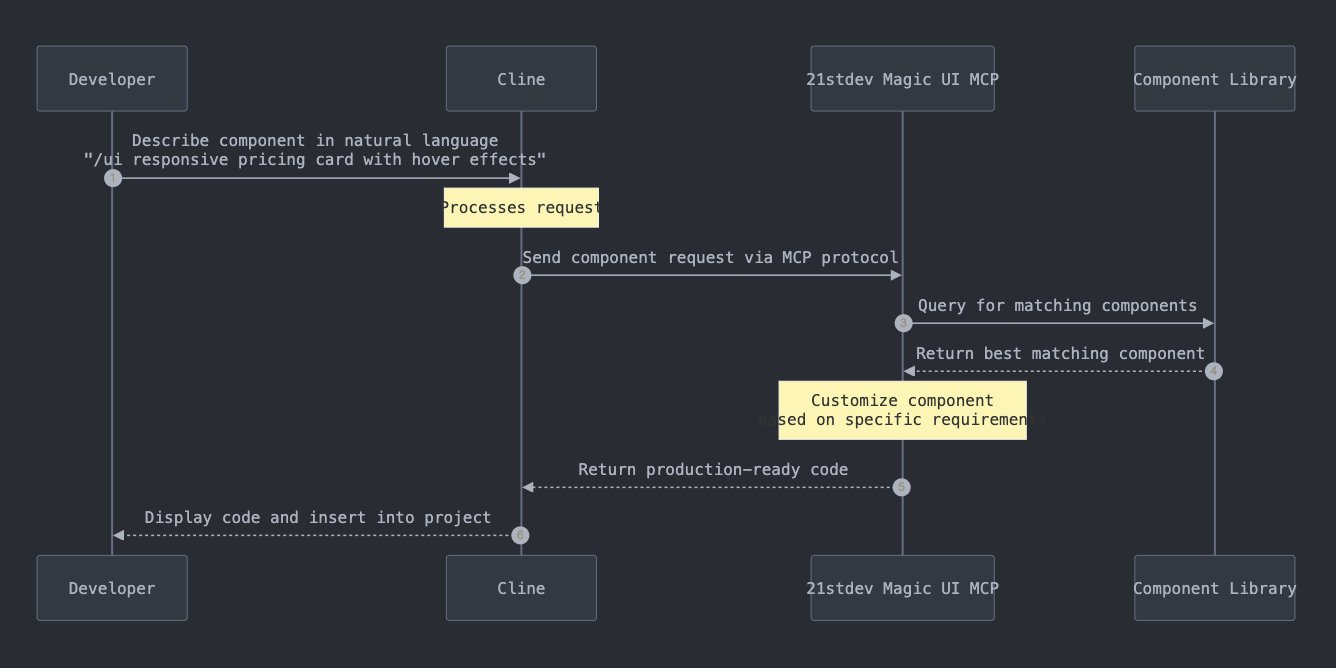
Cline is a VS Code extension that operates as a fully agentic coding assistant. It’s open-source, free to use, and supports any model you want to connect. It’s built for a plan, review, and run loop: the AI proposes changes, you review them, and then it executes.
This approach is deliberate. Cline asks for permission before running terminal commands or modifying files. That makes it less autonomous than Claude Code, but significantly safer for teams that want human oversight at each step. It’s not a limitation, it’s a design philosophy.
Cline’s key advantages that make it a good Claude Code alternative:
- Completely free and open-source (no usage caps from the tool itself)
- Supports MCP (Model Context Protocol) for external tool integrations
- Works with Claude, GPT-5, Gemini, and local models
- Permissioned file and terminal actions with explicit approval steps
- Active community and VS Code-native experience
Where Cline has limits:
- Less autonomous than Claude Code or Codex for long, complex tasks
- Requires your own API keys and model setup
- No dedicated support or enterprise tier (yet)
Cline is particularly popular among startups looking for a Claude Code-like experience without Claude Code’s pricing. You bring your own model and control your own costs. You also get a capable agentic assistant inside the IDE you already use. Several teams use Cline with local models to bring API costs close to zero. It’s worth noting that Cline’s MCP support is a genuine differentiator. You can plug in external tools, databases, and custom integrations that Claude Code doesn’t natively support. That extensibility opens up workflows that go well beyond what most IDE assistants offer.
7. Replit
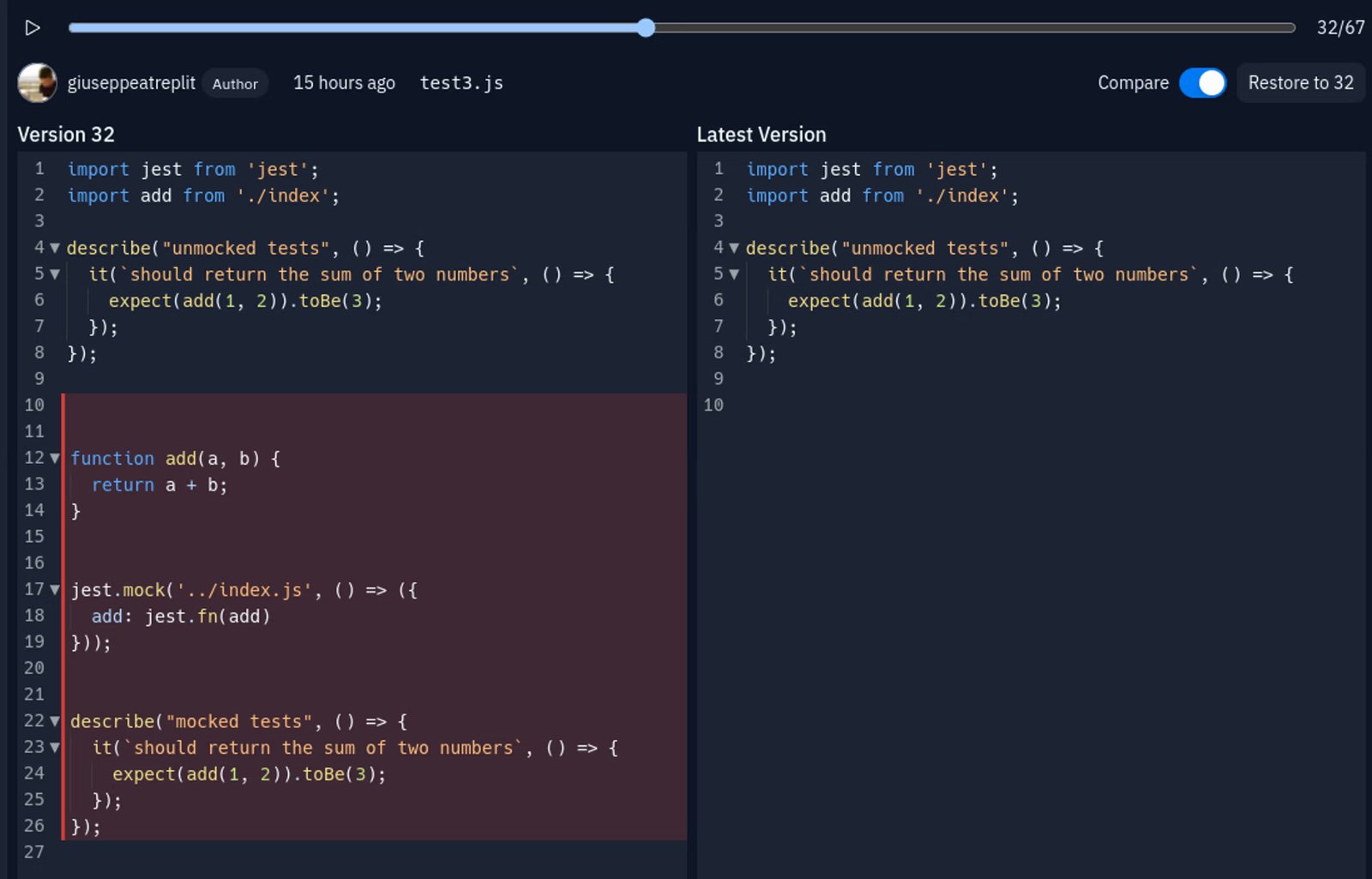
Replit takes a completely different approach to the alternatives on this list. It’s browser-based, fully cloud-hosted, and designed to let anyone build and deploy software without touching a local environment. As of 2025, it had over 35 million users across 200 countries and an estimated $253M ARR.
The Replit Agent is its core AI capability. You describe what you want to build, and it generates the full application: frontend, backend, database, and deployment. It handles the entire stack, not just code suggestions. This makes it a strong choice for rapid prototyping, MVPs, and non-technical users who want to ship something fast.
What Replit does well:
- Zero local setup: everything runs in the browser
- Full-stack app generation with integrated deployment
- Great for MVPs, prototypes, and learning projects
- Supports multiple languages and frameworks out of the box
- Free tier available with paid plans for more compute
What it trades off:
- Less precise control than terminal or IDE-based tools
- Not suited for complex, existing codebases in local repos
- Internet dependency (no offline option)
- Better for new projects than for maintaining production systems
Replit fills a real gap. If you need to go from idea to deployed application in an afternoon, Replit Agent makes that genuinely possible. No configuration required. For teams doing greenfield development or rapid experimentation, it’s a compelling option. It’s something Claude Code simply was never designed to be.
Wrapping Up
The seven Claude Code alternatives covered here don’t just imitate the original. They are their own brand, and they deliver. Claude Code set the standard. Now the race is on, with tools differentiating on price, autonomy, IDE integration, model flexibility, and deployment.
GitHub Copilot leads in enterprise adoption. Cursor wins on developer momentum. OpenAI Codex is a solid, often more affordable choice for GPT-focused teams. Aider and Cline offer comparable power with more control and no vendor lock-in. Replit delivers full-stack development right in the browser.
The right choice depends on your workflow and how much autonomy you want from your AI. Most offer free tiers, so the only cost to find out is your time.