
If you’ve used AI coding assistants before, you probably already know that in 2026, AI can do a lot more than autocomplete code. GitHub Copilot is now used by tens of millions of developers worldwide, and AWS reports that AWS CodeWhisperer has generated billions of code suggestions in real production environments. So, comparing them now is less about theory and more about picking the right tool for your daily work. Getting straight to the point, here’s a detailed Amazon CodeWhisperer vs Copilot comparison that explains everything you need to know about these platforms.
Amazon CodeWhisperer, GitHub Copilot, and the State of AI Coding Assistants in 2026
AI coding assistants have moved from optional productivity boosts to near-standard development tooling, and that normalization changes how developers evaluate them. Instead of focusing on whether suggestions are helpful, teams now focus on how well assistants align with architecture, security models, and collaboration habits. That shift matters because Copilot and CodeWhisperer were built with very different priorities, and those priorities still shape how each tool behaves today.
Copilot grew from GitHub’s ecosystem, which naturally emphasizes developer velocity and open collaboration. Because of that origin, Copilot often feels intuitive when switching projects or experimenting with new technologies. CodeWhisperer grew inside AWS, which prioritizes reliability, infrastructure consistency, and security posture. That origin makes CodeWhisperer feel more structured, which many enterprise teams actually prefer.
In 2026, choosing between them can feel like choosing workflow style instead of raw capability.
What Each Platform Does
Understanding how each product evolved explains why they feel different today, and that historical context directly affects daily usability.
GitHub Copilot
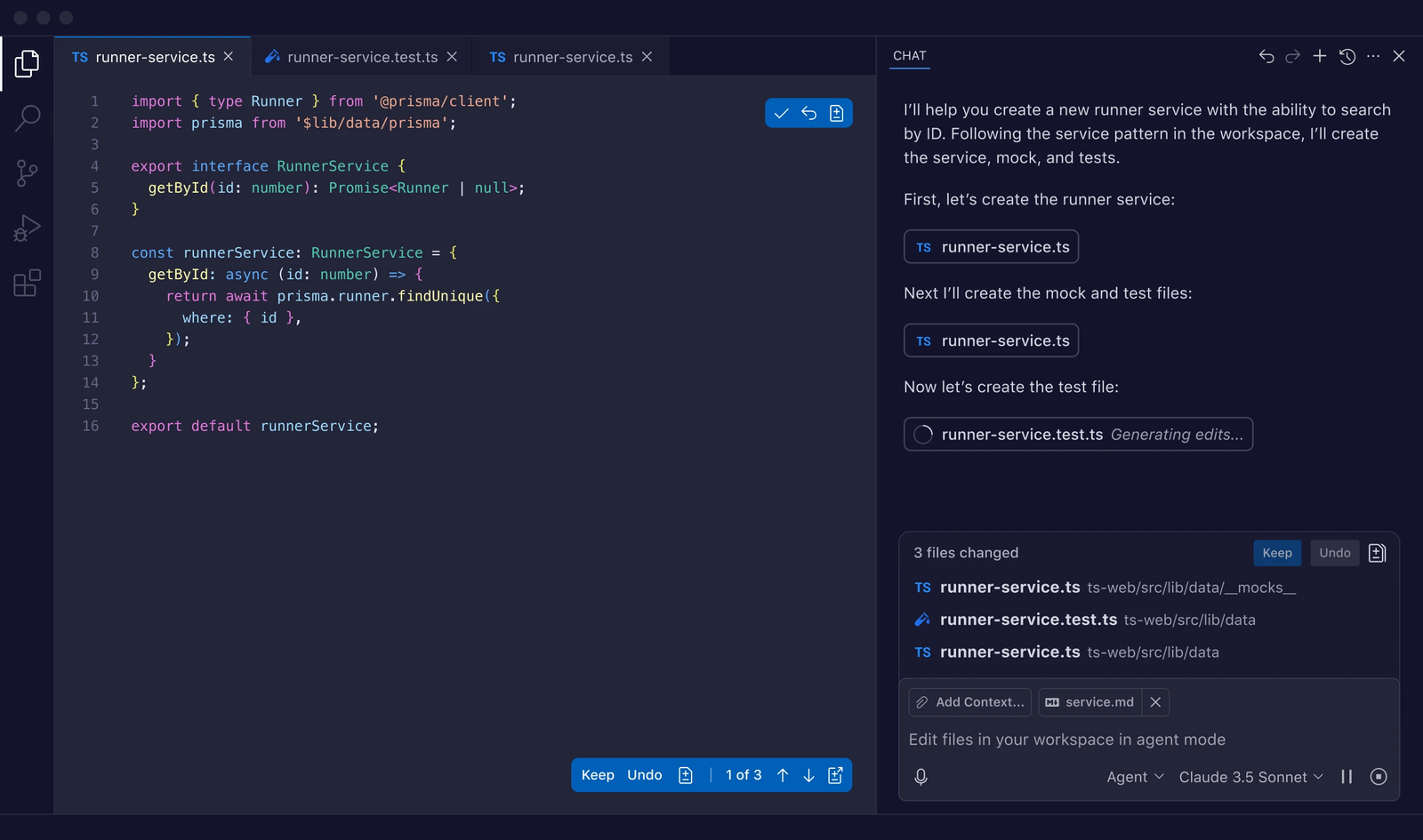
GitHub Copilot started as a research-heavy experiment built on OpenAI models, and that experimental DNA encouraged rapid iteration and aggressive feature expansion. Because Microsoft invested deeply after the acquisition, Copilot quickly expanded into enterprise DevOps workflows, which allowed it to move beyond pure code completion into planning, documentation generation, and test creation.
CodeWhisperer
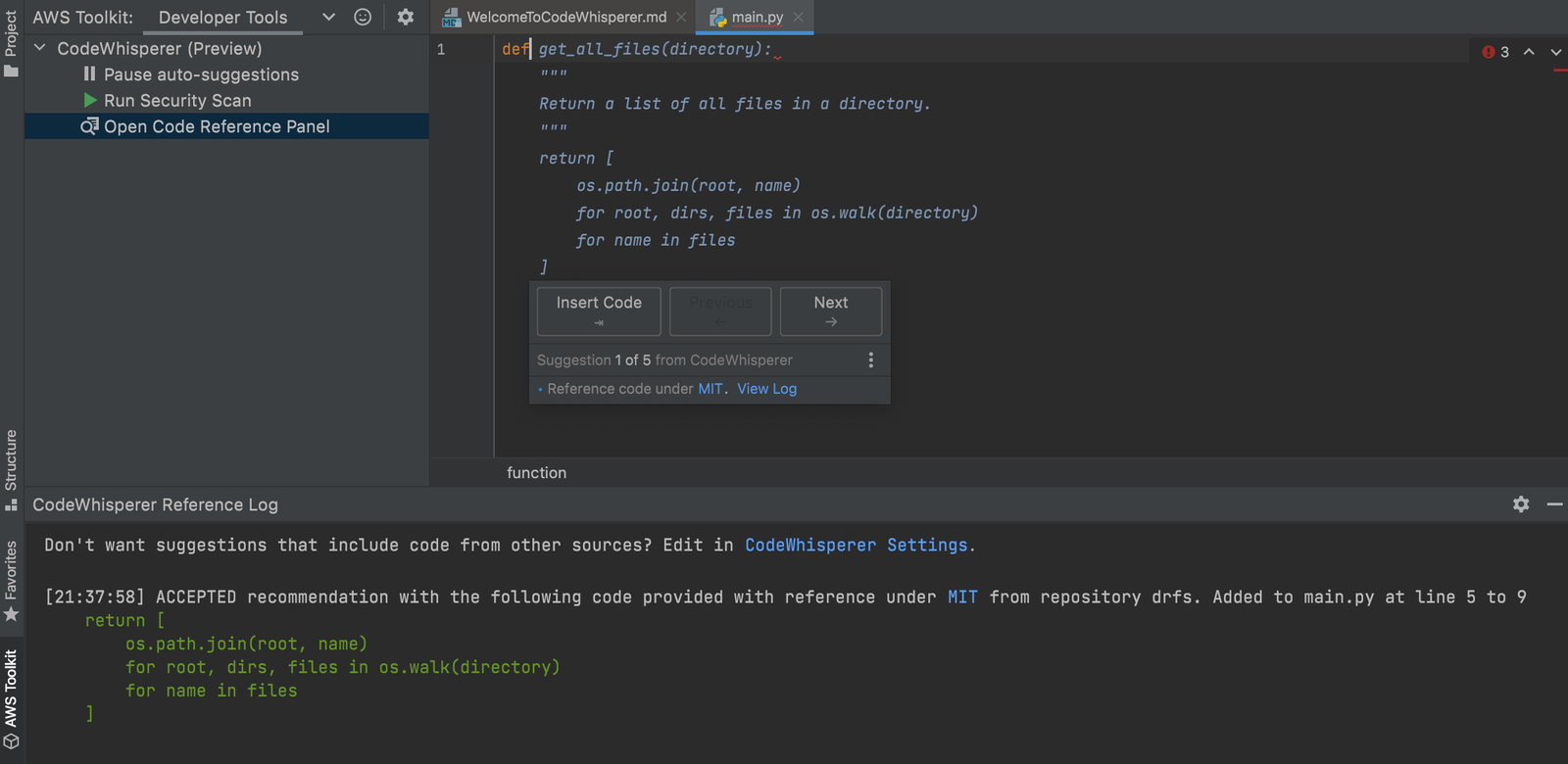
Amazon CodeWhisperer followed a slower but more deliberate path, and that approach focused on enterprise reliability first. Because AWS customers often operate inside compliance-heavy environments, CodeWhisperer launched with features like reference tracking and security scanning already integrated. That early focus meant fewer flashy features initially, yet it built strong trust inside large organizations.
That contrast still defines their trajectories today, and understanding it helps explain why developer preference often depends on environment rather than feature lists.
GitHub Copilot vs CodeWhisperer Performance
At the core, both tools aim to reduce cognitive load during coding, and that shared goal creates surface similarity. The difference appears when you look at how each tool handles ambiguity, project context, and intent prediction.
Copilot generally produces longer and more creative completions, which makes it strong during early feature development. Because it trains heavily on broad open source patterns, it often anticipates common architectural approaches automatically. That capability makes Copilot feel almost predictive when working in popular frameworks.
CodeWhisperer focuses more on deterministic correctness, and that focus changes how suggestions appear. Instead of generating large blocks of speculative logic, it often produces smaller but highly reliable segments. That behavior reduces debugging time, which is extremely valuable in production environments.
Because of those differences, developer perception often follows predictable patterns.
Performance characteristics developers frequently report
- Copilot feels faster during brainstorming and prototyping.
- CodeWhisperer feels safer during production deployments.
- Copilot often suggests multiple architectural directions.
- CodeWhisperer usually aligns with the existing project structure.
- Both improve significantly with strong comments and clear variable naming.
Because productivity depends on context, neither approach is universally better.
CodeWhisperer vs Copilot – Languages and Frameworks
Modern software stacks rarely rely on a single language, and that reality makes ecosystem coverage extremely important.
Copilot maintains extremely broad language support because GitHub’s training data spans nearly every popular open source ecosystem. That breadth makes Copilot feel comfortable when switching between backend, frontend, scripting, and systems programming tasks within the same day.
CodeWhisperer supports many major languages as well, yet its strongest performance appears inside cloud-native development workflows. Because AWS customers rely heavily on Python, Java, and JavaScript serverless stacks, CodeWhisperer invests more optimization effort there.
Copilot’s strongest ecosystem areas
- Frontend frameworks like React, Vue, and Angular
- Backend frameworks like Django, Spring Boot, and Express
- Cross-language repository environments
- Open source heavy development workflows
CodeWhisperer’s strongest ecosystem areas
- AWS Lambda and serverless architectures
- Infrastructure as Code using CDK or CloudFormation
- AWS SDK integrations
- Enterprise backend service architectures
Because most organizations mix workloads, tool choice often depends on the dominant workload rather than total workload diversity.
Amazon CodeWhisperer vs GitHub Copilot Security and Compliance Capabilities
Security has moved from an optional feature to a core buying decision, and that change strongly benefits AWS’s positioning.
CodeWhisperer integrates automated vulnerability scanning directly into suggestion workflows, which means developers see warnings during writing rather than after deployment. Because it tracks open source reference matches, organizations can also audit licensing risk more easily. That combination makes CodeWhisperer appealing to finance, healthcare, and government teams.
Copilot has significantly improved its enterprise security posture, and that improvement shows through GitHub Advanced Security integrations. Because GitHub controls repository pipelines directly, it can run deeper scanning across full codebases rather than just suggestions. That pipeline-level visibility helps large organizations maintain consistent policies.
Security features comparison highlights.
- CodeWhisperer offers real-time, secure coding recommendations.
- Copilot integrates deeply with repository scanning pipelines.
- CodeWhisperer emphasizes license reference tracking.
- Copilot emphasizes DevSecOps automation integration.
- Both support enterprise policy enforcement controls
Because both tools matured significantly, the security gap is smaller than it was in early adoption years.
CodeWhisperer vs Copilot Developer Experience and Workflow Integration
Developer experience shapes long-term satisfaction more than raw performance metrics, and this is where Copilot often feels more natural.
Copilot integrates deeply into VS Code and Visual Studio environments, which many developers already use daily. Because suggestions appear conversationally and adapt quickly, developers often describe Copilot as feeling collaborative rather than directive.
CodeWhisperer integrates well technically, yet it often encourages more explicit prompt context. Because of that behavior, developers sometimes feel like they must structure comments more carefully. That extra structure can slow experimentation slightly, yet it often improves production consistency.
Experience differences developers commonly mention
- Copilot feels more conversational.
- CodeWhisperer feels more structured.
- Copilot adapts quickly to experimental coding styles.
- CodeWhisperer encourages standardized patterns.
- Both dramatically reduce boilerplate writing time.
Because personality matters in developer tools, these differences strongly influence preference.
GitHub Copilot vs CodeWhisperer Pricing and Enterprise Value
Pricing models reflect company strategy, and strategy influences adoption patterns.
GitHub Copilot Pricing
Copilot follows a SaaS style licensing model because GitHub sells directly to developer teams. That model makes budgeting predictable and scaling straightforward for engineering managers.
CodeWhisperer Pricing
CodeWhisperer pricing often integrates with AWS billing ecosystems because AWS customers already manage infrastructure spend there. That integration simplifies cost tracking for organizations heavily invested in AWS services.
Pricing structure differences
- Copilot offers individual, business, and enterprise tiers.
- CodeWhisperer often integrates with AWS enterprise agreements.
- Copilot pricing is predictable per developer.
- CodeWhisperer pricing can align with a broader cloud spending strategy.
Because financial models differ, CFO preferences sometimes influence tool decisions as much as technical leadership.
Real World Usage: Where GitHub Copilot vs CodeWhisperer Wins
Real usage scenarios reveal clearer strengths than marketing pages, and practical examples highlight those differences clearly.
When developers build experimental features or startup MVPs, Copilot often accelerates iteration dramatically. Because startup teams frequently change stack components, Copilot’s generalist knowledge base proves extremely useful. That flexibility reduces research time and encourages rapid architecture iteration.
When enterprises build production infrastructure tied to AWS services, CodeWhisperer often delivers stronger long-term reliability. Because it understands AWS patterns deeply, it reduces misconfiguration risks. That reliability can prevent costly outages and compliance violations.
Where Copilot tends to outperform
- Rapid prototyping
- Learning new frameworks quickly
- Refactoring legacy codebases
- Multi-language monorepo environments
Where CodeWhisperer tends to outperform
- AWS service integration
- Serverless production workloads
- Compliance-heavy development environments
- Secure enterprise backend development
Because most organizations do both types of work, many teams standardize based on the primary infrastructure provider.
| </> | GitHub Copilot | Amazon CodeWhisperer |
| Core Strength | Creativity, code generation speed, and natural language-to-code translation | Security scanning, AWS service optimization, and production-ready suggestions |
| Training Data | Massive open-source repositories (e.g., GitHub public code); filtered for licenses | AWS-proprietary cloud patterns, production workloads, and secure coding examples |
| Model & AI Backbone | Powered by OpenAI Codex (GPT-based); supports multiple LLMs via GitHub Models | Custom Amazon-trained models; 50B+ lines of code, focused on enterprise safety |
| IDE Support | VS Code, Visual Studio, JetBrains, Neovim; deep GitHub integration | VS Code, JetBrains, AWS Cloud9, IntelliJ; seamless AWS Toolkit tie-in |
| Key Capabilities | Autocomplete, chat-based refactoring, unit test generation, multi-file edits | Real-time security scans (e.g., OWASP top 10), AWS API suggestions, filters for custom policies |
| Security Focus | Enterprise-grade with SSO, IP indemnity; scans for vulnerabilities | Native emphasis on secure coding; blocks toxic/rejected code; AWS compliance (e.g., SOC, HIPAA) |
| Pricing | $10/user/month (Individual); $19/user/month (Business); free tier limited | Free for individuals; $19/user/month (Professional); pay-per-session options |
| Best Developer Profile | Generalist engineers, full-stack devs, rapid prototypers across languages | Cloud/DevOps engineers, AWS specialists, enterprise teams prioritizing security |
| Enterprise Adoption | Broad (Microsoft, Google, startups); 1M+ paid users; multi-cloud friendly | AWS-centric orgs (e.g., Fortune 500); integrated in SageMaker, strong in regulated industries |
| Limitations | Potential hallucinations; less AWS-specific; public data risks IP exposure | Narrower language support (15+ vs. Copilot’s 20+); AWS bias limits versatility |
| Unique Perks | Copilot Workspace for full project planning; voice mode in chat | Custom recommendations from private repos; one-click AWS resource scaffolding |
This table draws from official docs and 2025-2026 benchmarks (e.g., GitHub’s Octoverse reports, AWS re: Invent updates).
CodeWhisperer is a secure, specialized AWS tool committed to cloud integration, while Copilot is a versatile, general-purpose solution known for its speed and creative code generation.
GitHub Copilot vs AWS CodeWhisperer Community and Ecosystem Growth
Community size drives feedback quality, and feedback quality drives AI model improvement speed.
GitHub’s ecosystem gives Copilot massive real-world usage signals because millions of repositories provide training feedback loops. Because developers actively share patterns publicly, Copilot constantly learns evolving best practices.
AWS counters with deep enterprise relationships, and those relationships influence feature roadmaps based on production workloads rather than open experimentation. Because enterprise workloads represent high-reliability environments, CodeWhisperer improvements often focus on stability rather than novelty.
Because both feedback systems are valuable, long-term competition will likely remain close.
Wrapping Up
So, which one is better? That choice is determined by your environment and workflow, not by raw capability. Both tools are mature, stable, and production-proven.
Copilot is optimized for developers who prioritize velocity, broad language support, and exploratory coding across heterogeneous stacks. CodeWhisperer is optimized for AWS-centric teams that require strong alignment with cloud infrastructure, security controls, and compliance workflows.
The capability gap between the two is now marginal. The rational decision is to select the assistant that integrates most tightly with your daily tooling and operational constraints. Hope this helps!